01 — Commerce & Storefronts
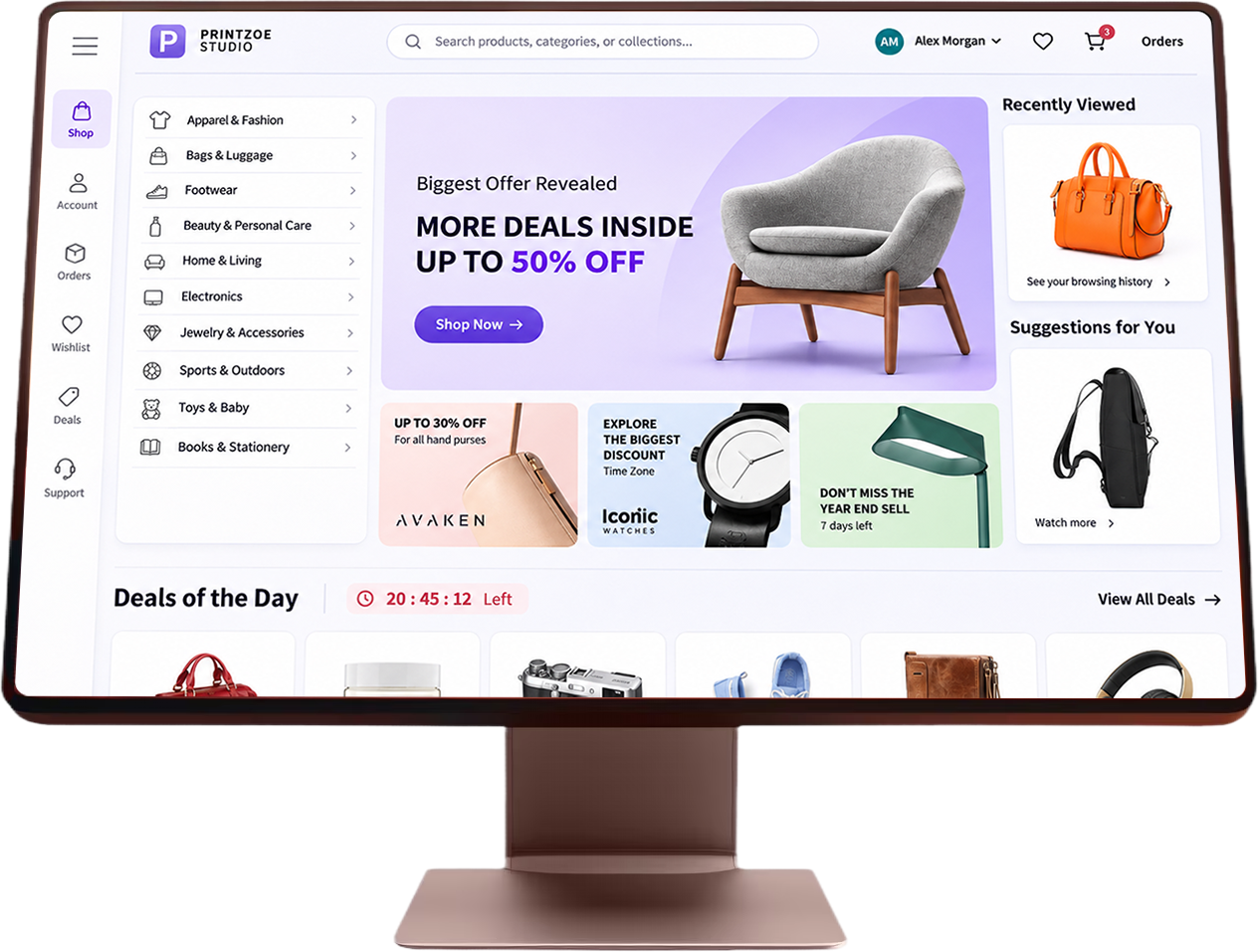
Bring customization closer to the buying experience.
Explore how product customization can fit into your ecommerce storefront and customer journey.

EnterpriseProduct CustomizationPlatform
More ways to personalize.A clearer path to production.
Built for print businesses, enterprise brands, and ecommerce platforms.

Give your customers the freedom to make products their own, while helping your team manage design reviews, artwork checks, and production workflows in one configurable platform.
Built around your business
Every business has its own products, customers, and production requirements. Printzoe helps you create product customization experiences that fit the way your business works.
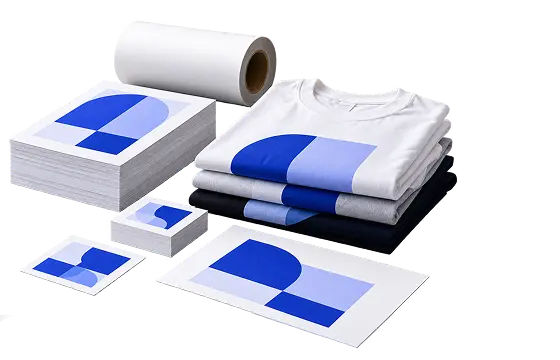
Let customers personalize products while helping your team prepare artwork for production.
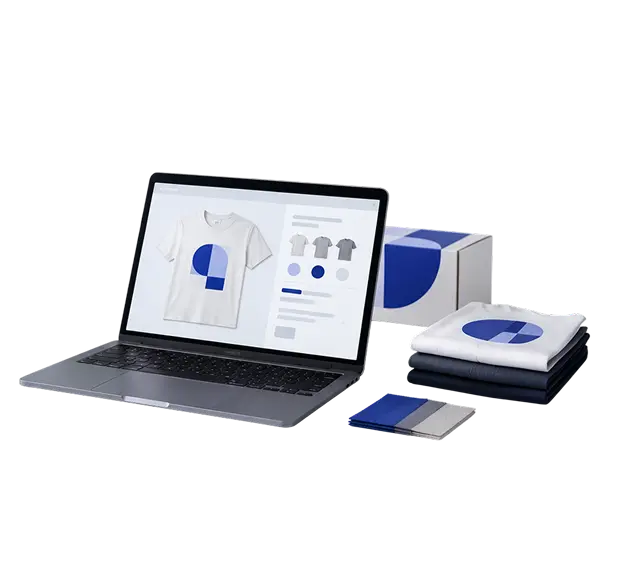
Create branded product customization experiences that fit your products, customer journey, and operational needs.
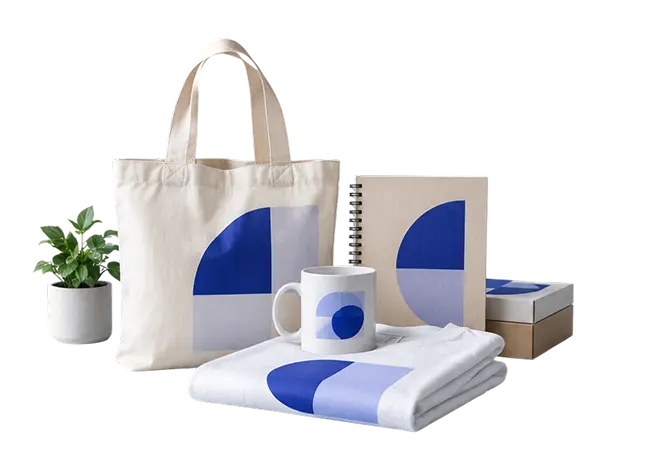
Simplify personalized order workflows and reduce repetitive design work as your business grows.
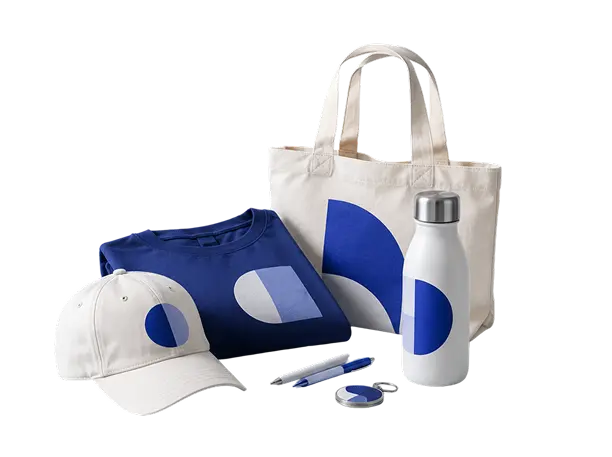
Let customers personalize apparel and promotional products with configurable options and logo placement.
One connected journey
A great customization experience goes beyond designing a product. It also helps your team review designs, catch potential artwork issues, and prepare orders for production.
Customer personalizes the product
Select a stage to exploreConfigure product options, design constraints, and print-area boundaries.
Text
Preflight report
v2 · FrontEffective DPI
142 DPI at print size · 300 required
Safe zone
Date line extends 2 mm past the safe zone
Bleed
3 mm bleed on all edges
Production ready
Job PZ-1048 · example
Production handoff
Let customers personalize products within defined options, design constraints, and print-area boundaries.
Meet the platform
Customers want an intuitive way to personalize products. Your team needs control over designs, reviews, and production requirements.
Printzoe brings these capabilities together in one configurable platform.
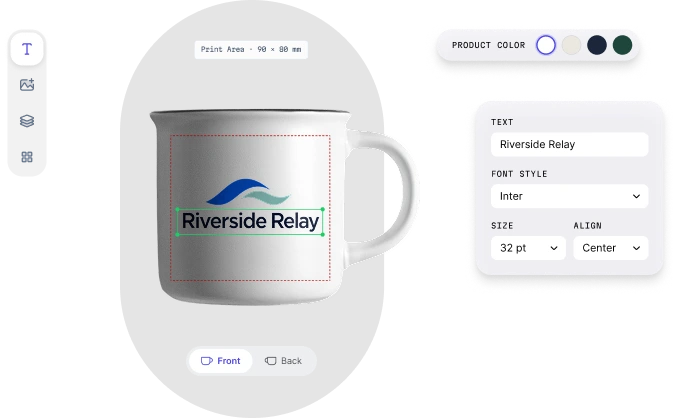
Make product personalization feel effortless.
Let customers personalize products within configurable options, design constraints, and print-area boundaries.
Capability highlights
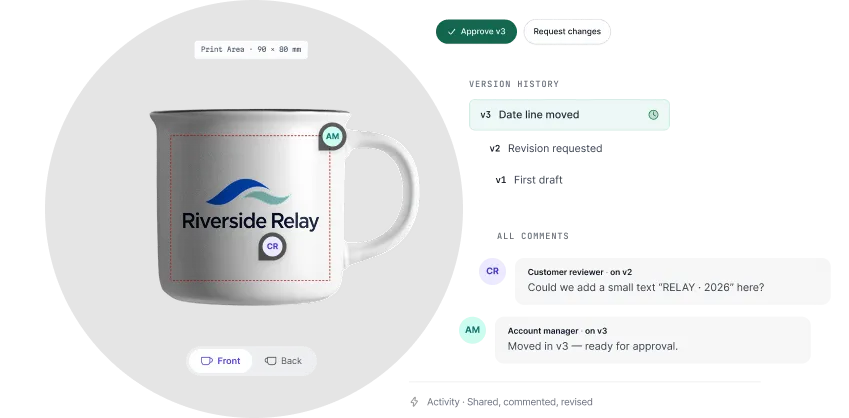
Keep everyone on the same page.
Help customers, designers, and internal teams review designs, exchange feedback, and follow revisions without losing sight of the work being discussed.
Capability highlights
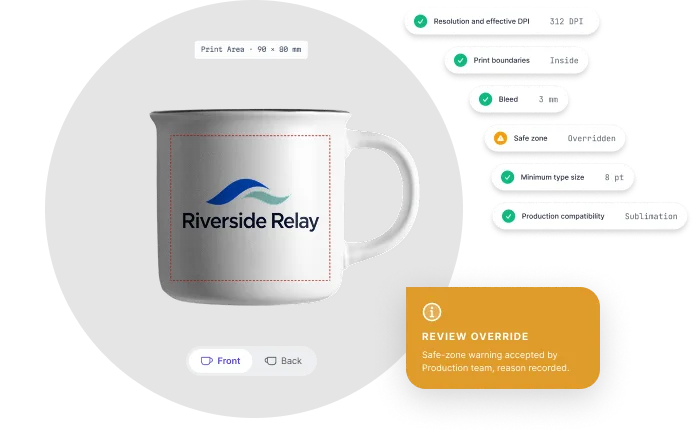
Know what needs attention before printing.
Help identify potential artwork issues by checking files against applicable print specifications and product requirements.
Capability highlights
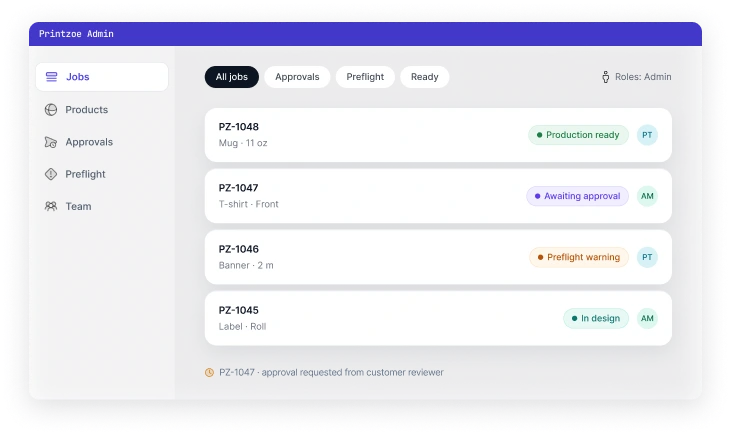
Keep your customization experience under control.
Configure products, manage settings, and coordinate the operational controls your team needs to support its workflows.
Capability highlights
Built for print requirements
A design can look perfect on screen and still need adjustments before it’s ready to print.
Low resolution, missing bleed, or artwork outside the intended print area can create avoidable delays. Printzoe helps your team identify potential issues earlier and understand what needs attention.
Check whether artwork resolution is appropriate for the intended print dimensions.
Identify artwork that may not meet the required bleed or safe-zone specifications.
Check artwork placement against defined print boundaries and product dimensions.
Help users understand which checks need attention and where possible problems occur.
Give your team a clearer way to review artwork against the requirements that matter.
Better reviews, fewer loose ends
Design feedback can quickly become difficult to manage when comments are scattered across emails, screenshots, and conversations.
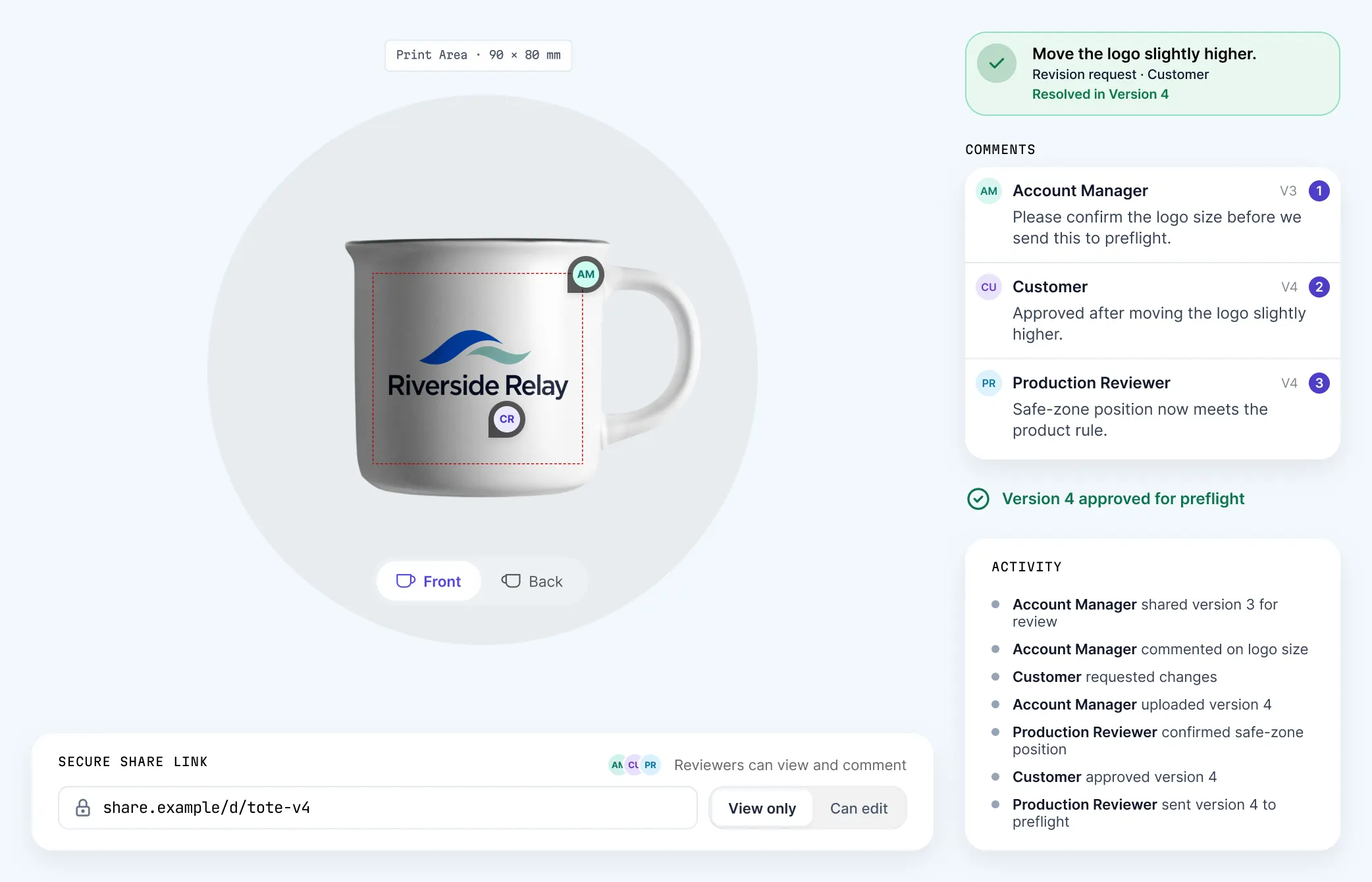
Printzoe helps teams keep feedback, revisions, and approvals organized around the design being reviewed.
in context
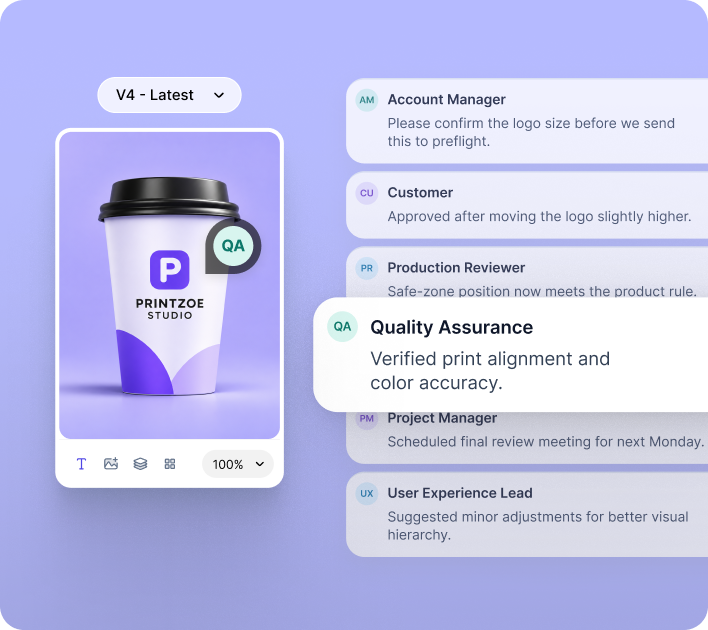
Keep comments close to the design they refer to, helping everyone understand what needs to change.
you can follow
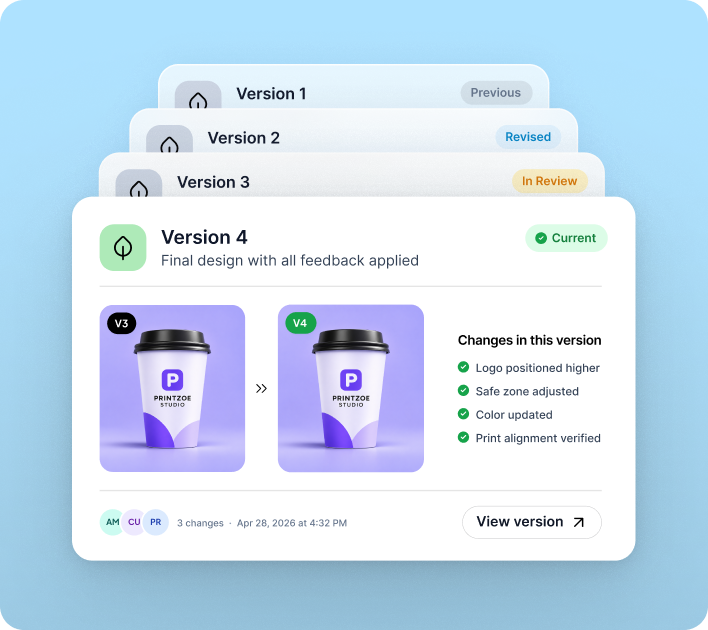
Make it easier to track design changes and understand which version is being reviewed.
with clarity
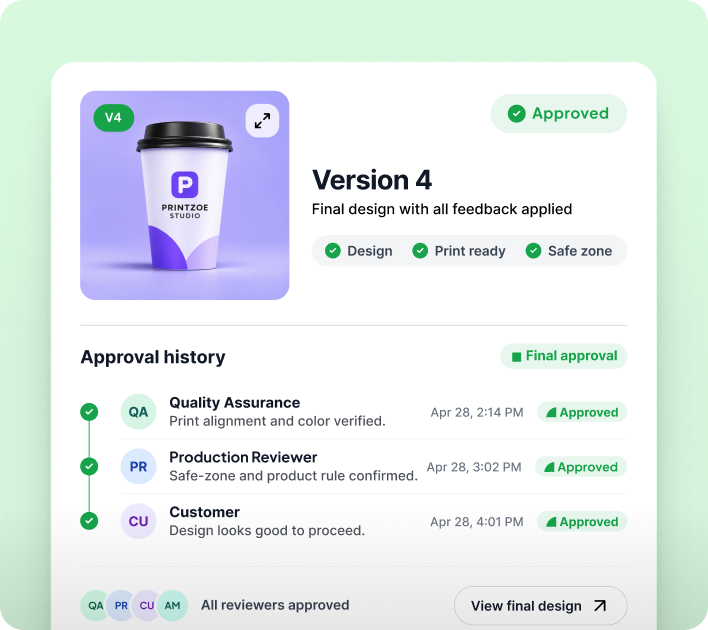
Help teams identify the specific design version that has been approved, reducing ambiguity before production.
Everyone sees the same design. Everyone knows what happens next.
Make design reviews easier to follow, from the first feedback round to the final approval.
Make it personal
Customers want to know what they’re creating before they buy it.
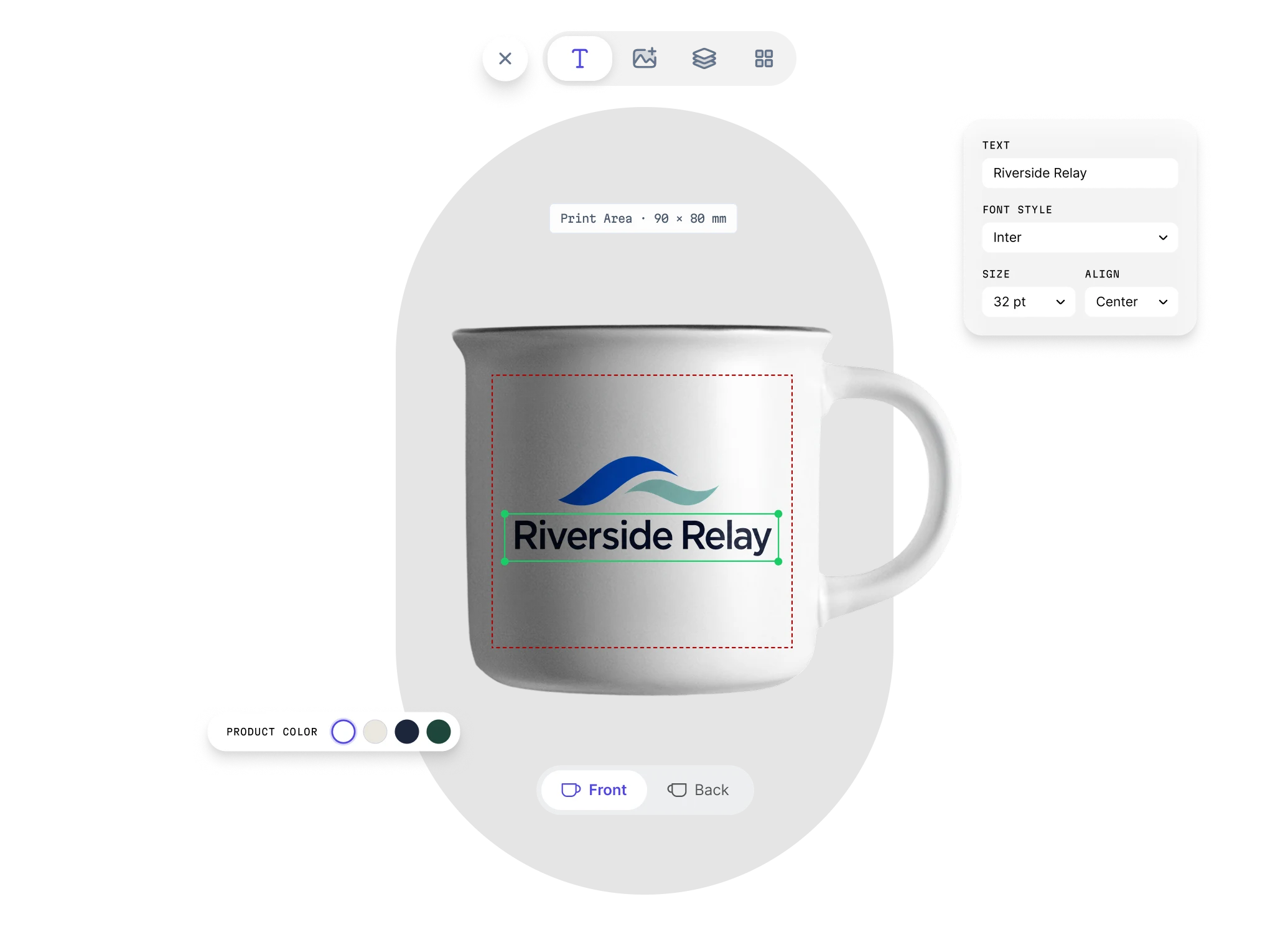
Printzoe helps businesses create product customization experiences that let customers explore options, personalize designs, and see how their choices shape the finished product.
A thoughtful product customization experience helps them explore options, personalize designs, and understand how their choices affect the finished product.
Give customers access to the product options and design elements available to them.
Use product previews to help customers understand their customization choices.
Define relevant product options and print boundaries to help maintain consistency with your product specifications.
Made for different kinds of creativity
Custom apparel doesn’t follow the same rules as packaging. Promotional products have different requirements from photo products.
Printzoe helps businesses build product customization experiences around the products they sell, the choices customers can make, and the workflows their teams need.
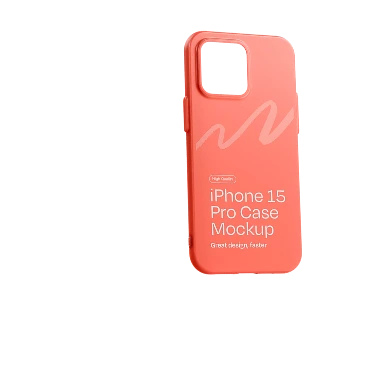
Connect product personalization with defined print areas, artwork checks, and production requirements.
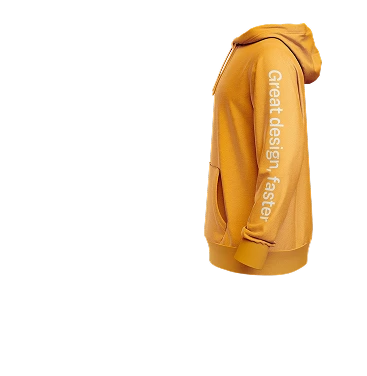
Support product variants, customization options, and print placement across different apparel products.
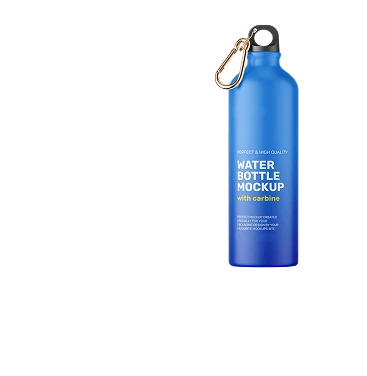
Help customers personalize products while giving teams a clearer way to review artwork and design placement.
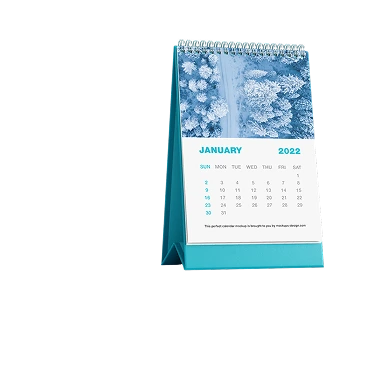
Create personalized product experiences around images, layouts, and customer design choices.
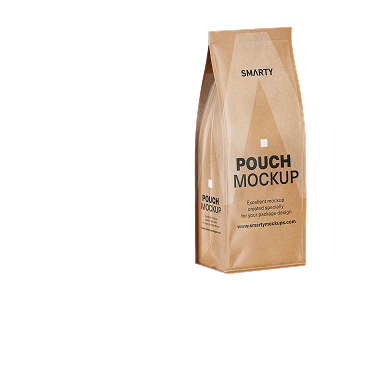
Account for product dimensions, bleed, safe zones, and other applicable artwork specifications.
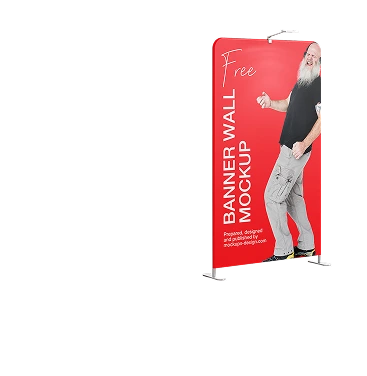
Work with product dimensions and print boundaries appropriate to large-format applications.
Fits your ecosystem
Printzoe is designed to support integration with your broader business environment, with the appropriate approach depending on your systems, requirements, and implementation scope.
Your business already has systems for selling products, managing orders, and handling production.
Adding product customization shouldn’t mean ignoring the systems and processes that already work for you.
Bring customization closer to the buying experience.
Explore how product customization can fit into your ecommerce storefront and customer journey.
Connect the systems that matter to your workflow.
Evaluate APIs, webhooks, and other supported integration methods for connecting Printzoe with your existing applications and services.
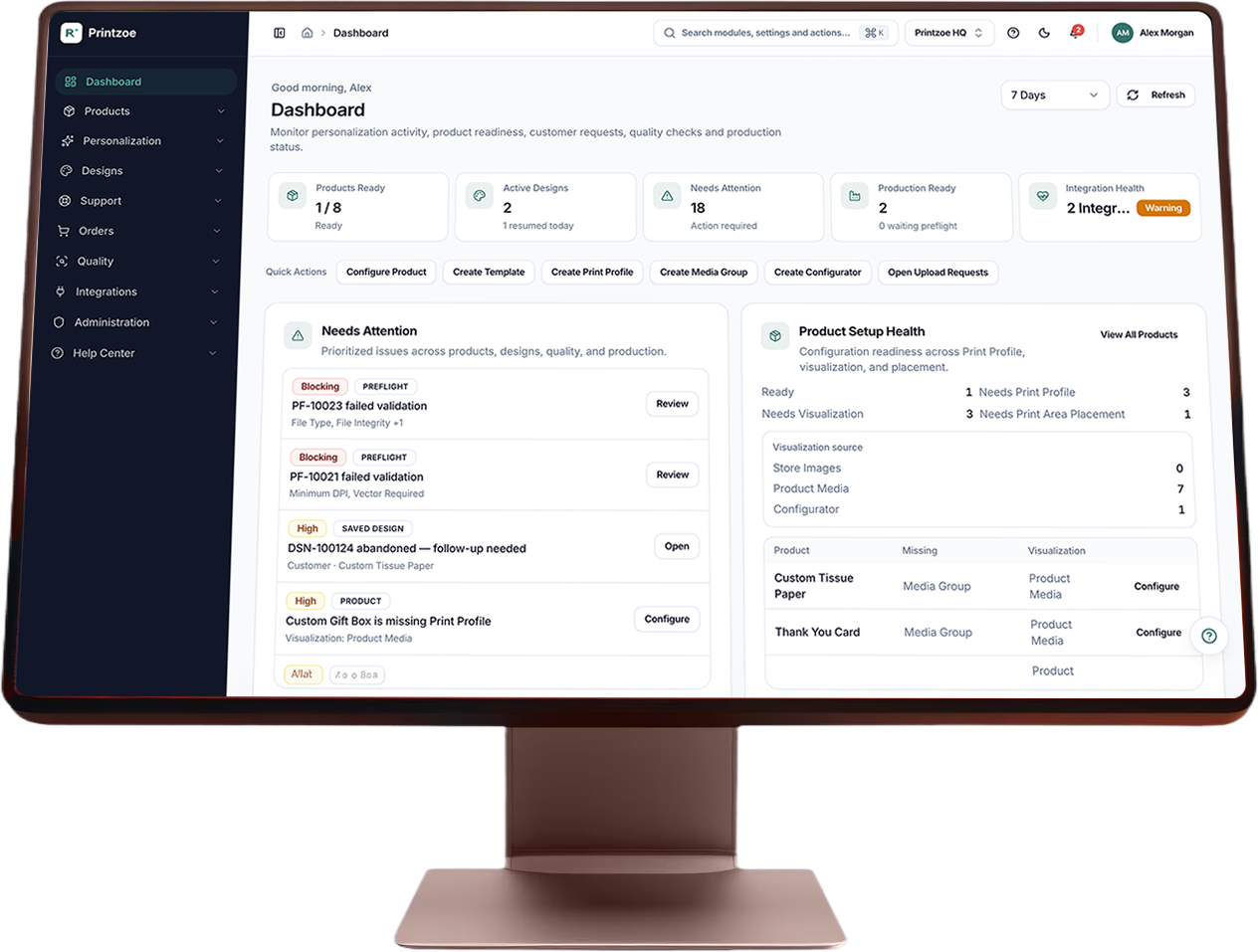
Build around your operational requirements.
Understand the configuration, access controls, permissions, and governance capabilities available for your business.
The right integration starts with understanding how your business works.
We’ll help you explore the integration approach that fits your products, systems, and operational needs.
A clearer path to getting started
Every implementation starts with a different set of products, workflows, and technical requirements.
The goal is to understand those needs first, then define a practical approach to configuration, integration, testing, and rollout.
Step 01
Understand your products and processes.
Identify your customization requirements, production constraints, existing systems, and business goals.
Step 02
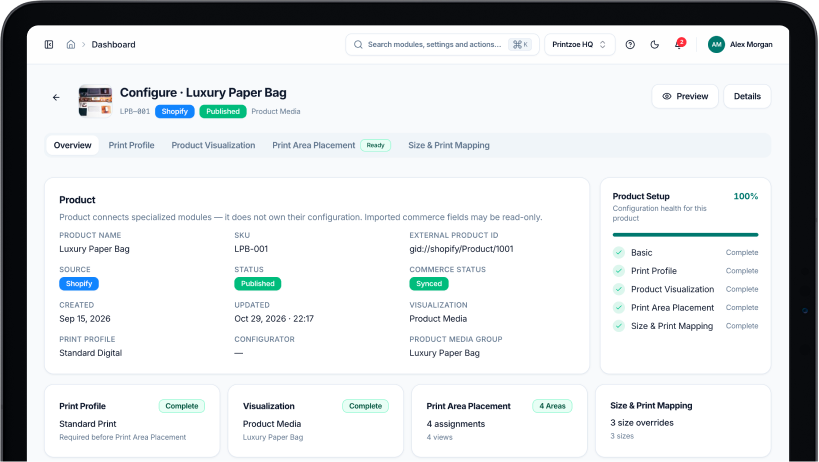
Shape the experience around your products.
Define relevant product options, customization rules, print areas, and workflow requirements.
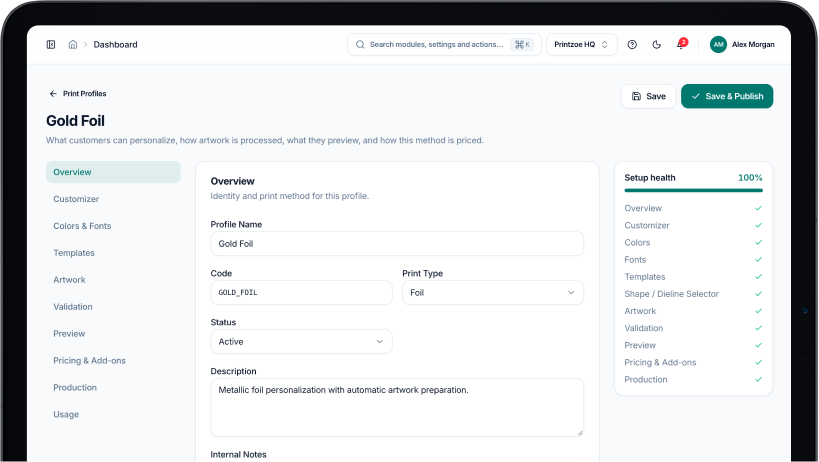
Step 03
Connect the pieces that need to work together.
Determine how Printzoe should connect with your existing storefronts, applications, and operational systems.
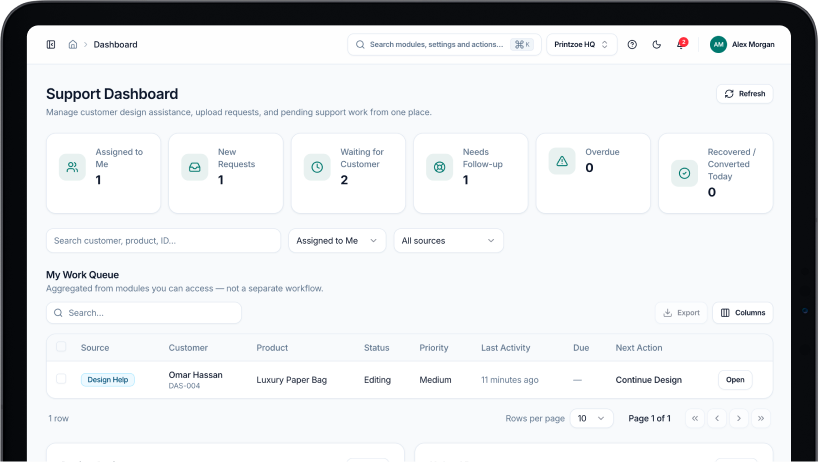
Step 04
Test the workflow before rolling it out.
Validate the agreed experience, check integration behavior, and prepare for deployment.
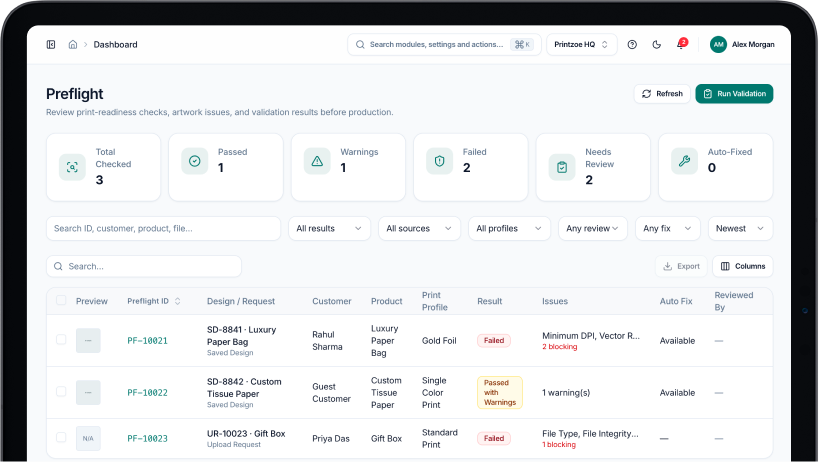
Step 05
Roll out with confidence. Keep improving.
Prepare your team for launch, gather feedback from real workflows, and identify opportunities to improve the experience as your business grows.
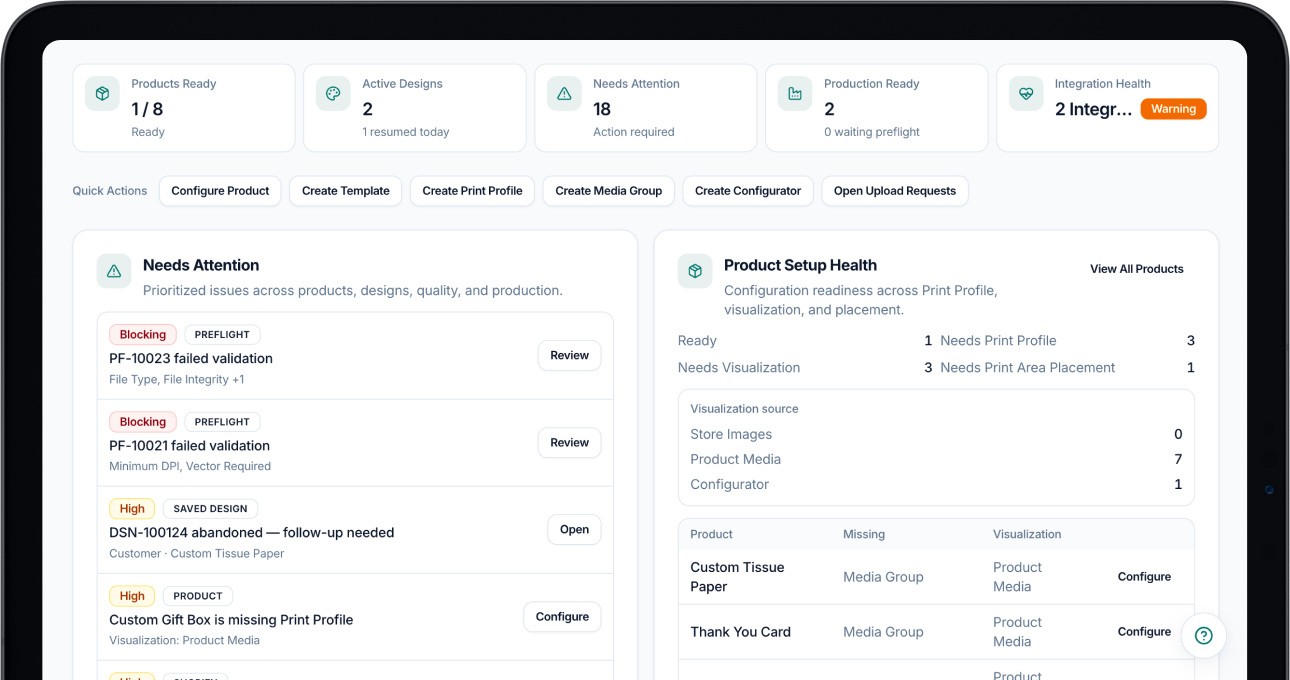
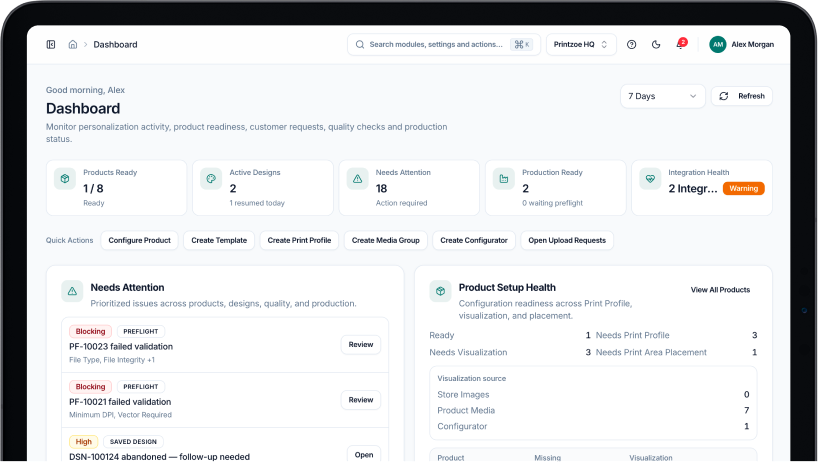
Start with your requirements, not a one-size-fits-all setup.
Discuss Your ImplementationFrequently asked questions
Choosing a product customization platform involves more than comparing features. You also need to understand how it fits your business, products, and existing systems.
Printzoe is an enterprise product customization platform designed to help businesses connect product personalization with related design review, artwork validation, and production workflows.
The capabilities available to each business depend on the product configuration and implementation scope.
Printzoe is intended for businesses such as print providers, manufacturers, enterprise brands, ecommerce businesses, and platforms that need product customization capabilities.
The right setup depends on your products, customers, and operational requirements.
The relevant product categories depend on the supported product configuration and implementation.
If you have a specific product or print application in mind, we can discuss its requirements and determine the appropriate approach.
Artwork preflight is the process of checking a design or artwork file against applicable production specifications before printing.
Depending on the checks supported, this may include resolution, effective DPI, bleed, safe zones, and print-area boundaries.
Integration options depend on your existing platform, technical requirements, and the connection methods Printzoe supports.
Our team can help assess your requirements and identify a suitable approach.
Printzoe is designed around configurable product customization and business requirements. The exact configuration options depend on the capabilities available and the agreed implementation scope.
Implementation typically begins with understanding your products and workflows, followed by configuration, integration planning, validation, and rollout.
The actual scope and sequence depend on your requirements.
Available capabilities and features in development may differ.
Contact our team for the latest information about product availability, supported integrations, and implementation options relevant to your business.
Let’s build something that works for you
Your customers deserve a great customization experience. Your team deserves workflows that are easier to manage.